


Set AP targets
Most AP teams set targets to improve DPO, but they track it in spreadsheets with manual updates. By the time they calculate whether last month's negotiations worked, the momentum is gone.
Gardenia lets you set specific payment term targets based on your scenario modelling, then tracks progress automatically - so you know if you're on track before the quarter ends, not after.
What you can do:
- Set rules-based targets - Take the insights from your scenario modeling and turn them into trackable targets in the system
- See where you stand - View baseline, current average, and target side by side
- Track captured vs. remaining - See how many days you've captured and your gap to target
- Monitor progress over time - Watch your scenario play out: target terms vs. baseline vs. actual average, week by week
- Drill into supplier-level detail - See progress for every supplier: invoice amount, % captured, captured DPO, gap to target, baseline vs. current vs. target terms
- Identify laggards - Spot which suppliers you've successfully extended terms with (captured) and which are still at baseline (remaining work)
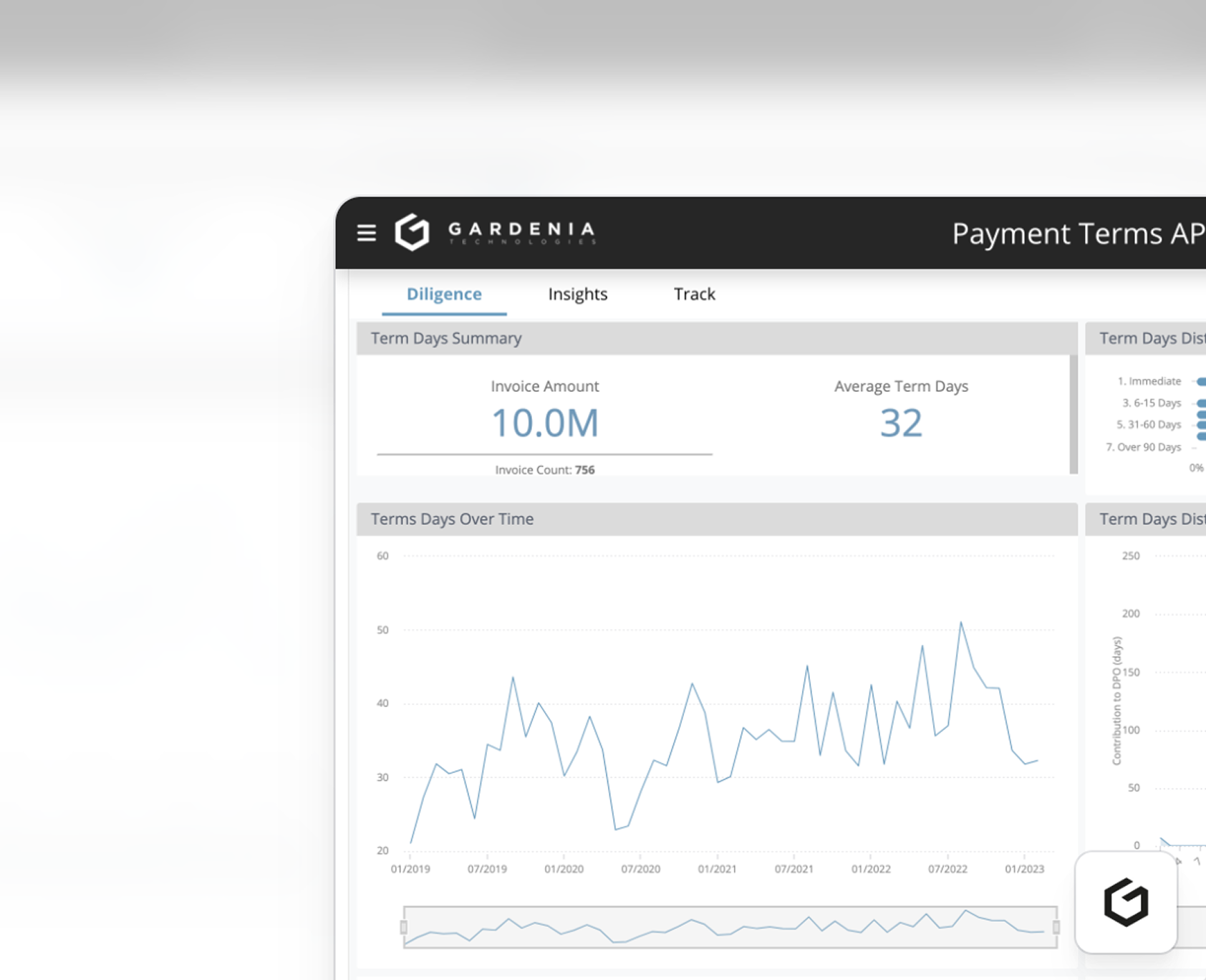
- View live KPIs - Check your dashboard daily to see if term days are improving or if initiatives need adjustment
Why it matters:
When you launch a DPO improvement initiative, you're typically negotiating with 10-20 suppliers over several months. Without tracking, you don't know if you're on pace to hit your goal until it's too late to course-correct.
The supplier-level tracking makes accountability clear. When you see Supplier A (£530K spend) shows 0.0% captured with a 2.5 day gap while Supplier B is complete, you know exactly where to focus your team's effort this week.





.png)

.png)


